This guide explains how to attach files to a unit record.
See also: [[Units Overview]]
## Prerequisites
- The unit must exist. See [[Create a Unit]].
## Adding Files to a Unit
If you would like to store a document or file for a specific unit, such as insurance documents, infractions, agreements or warranties, you can do so under the Files tab for a specific unit.
To add a document for a specific unit just follow the steps below.
1. Click on **Units** on the main menu
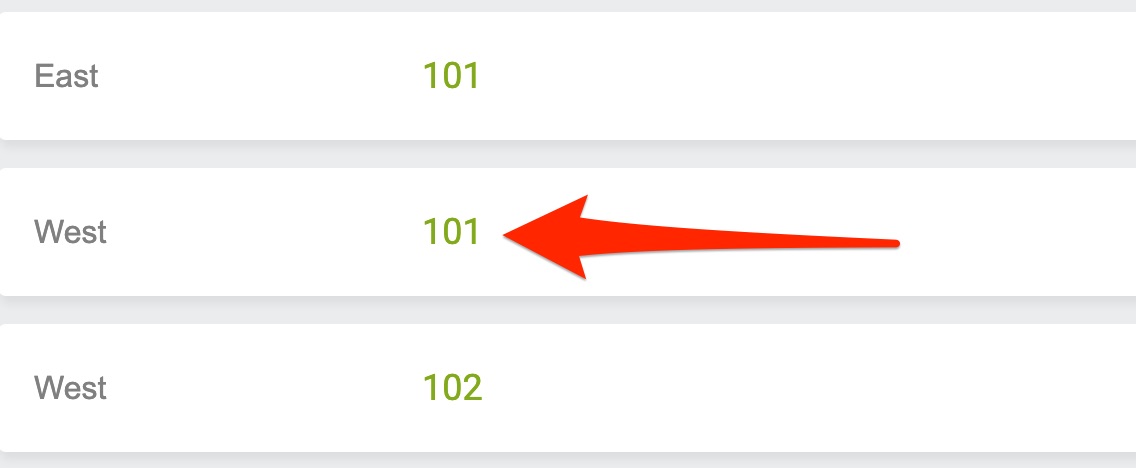
2. Click on **the Unit** you'd like to add a file for
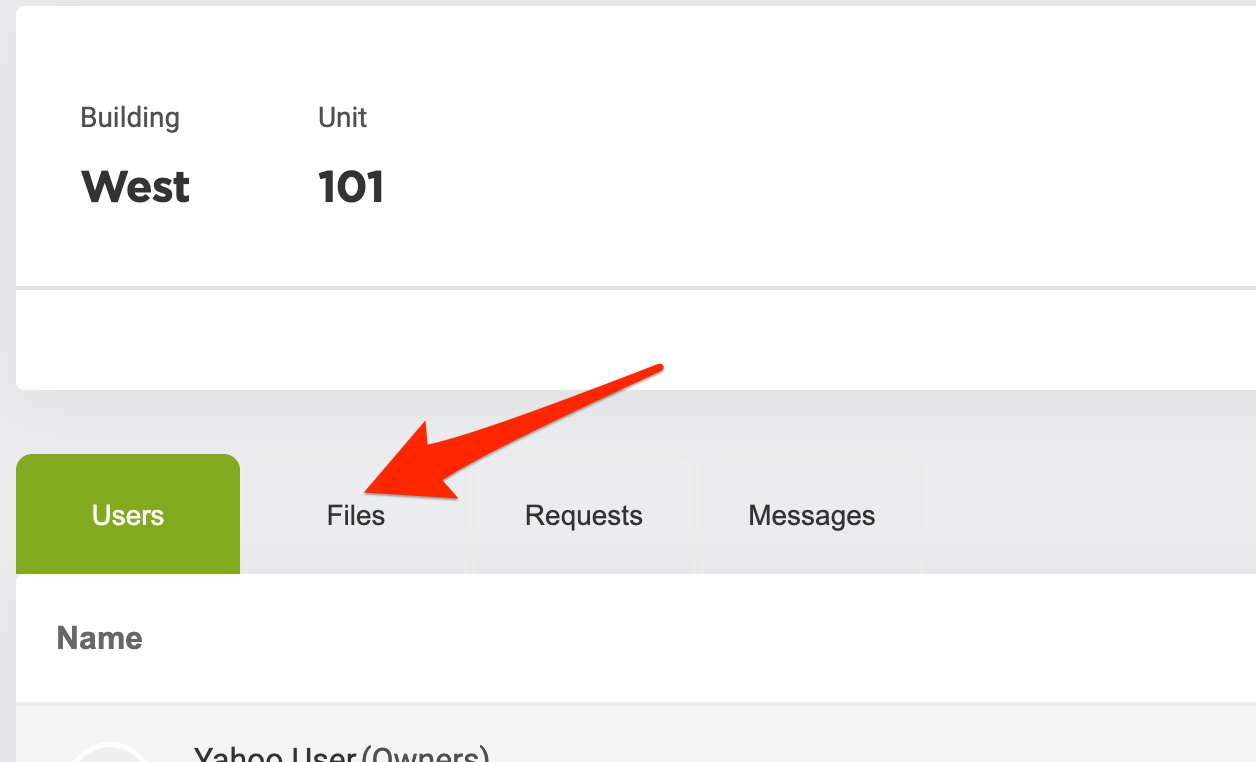
3. Click on the **Files** tab
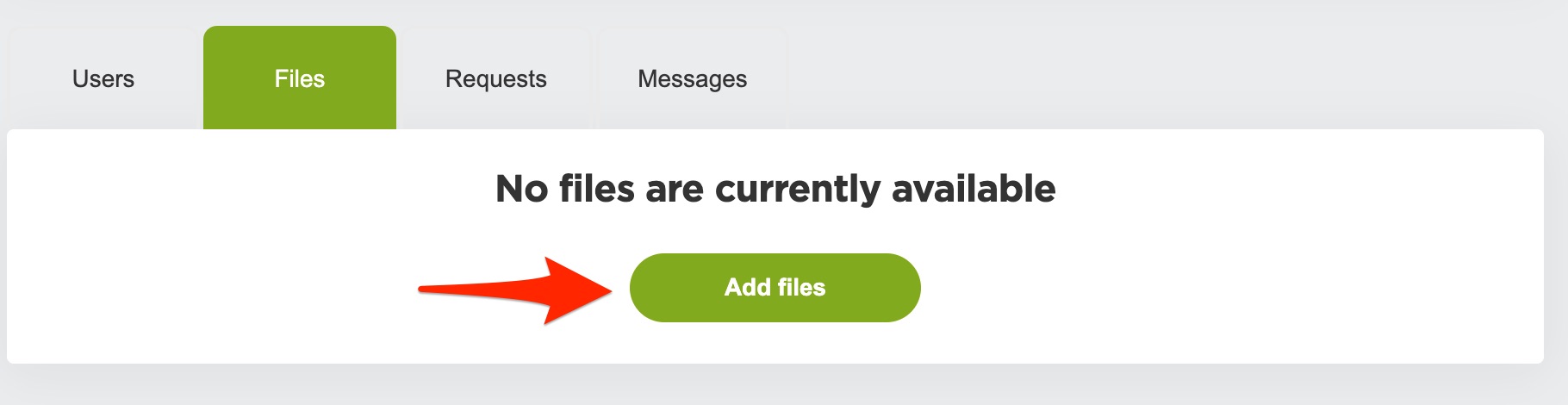
4. Click the **Add files** button
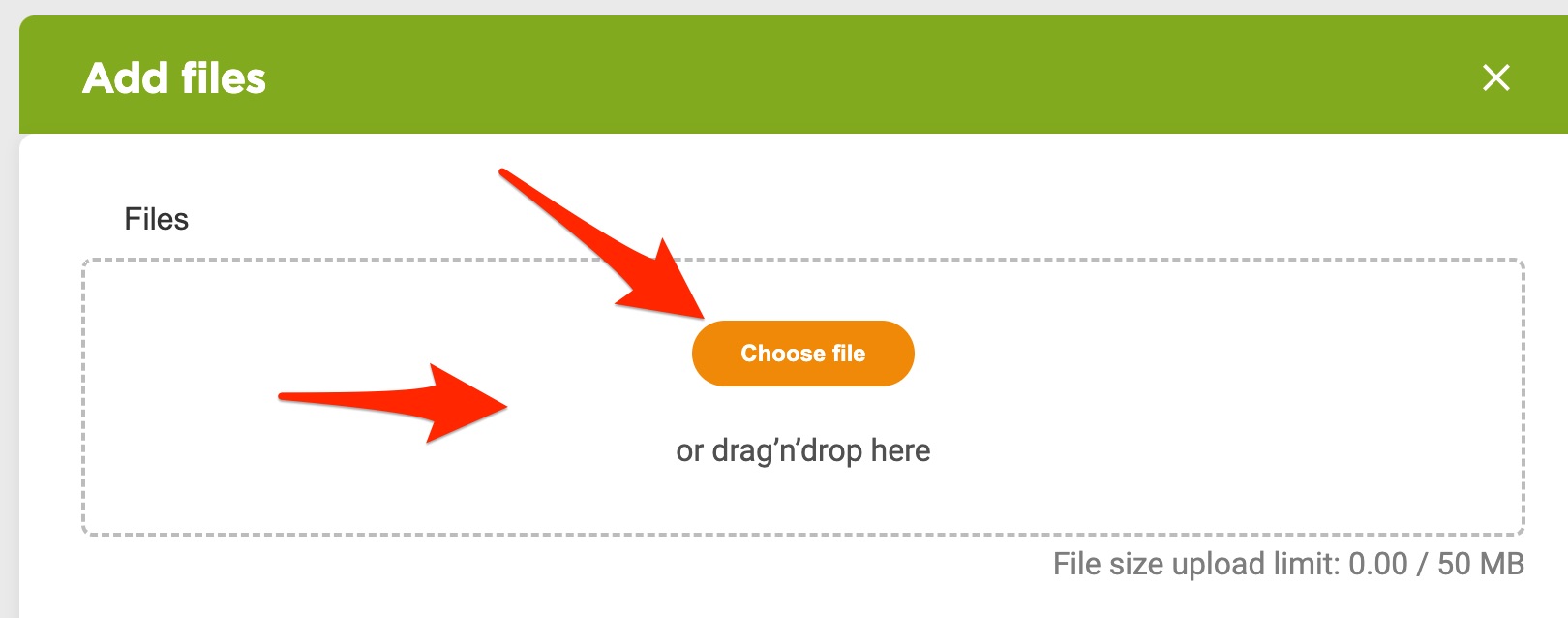
5. Click on the **Choose file** button or **drag and drop** your file into the files section
6. Give the file a **Title/Description**
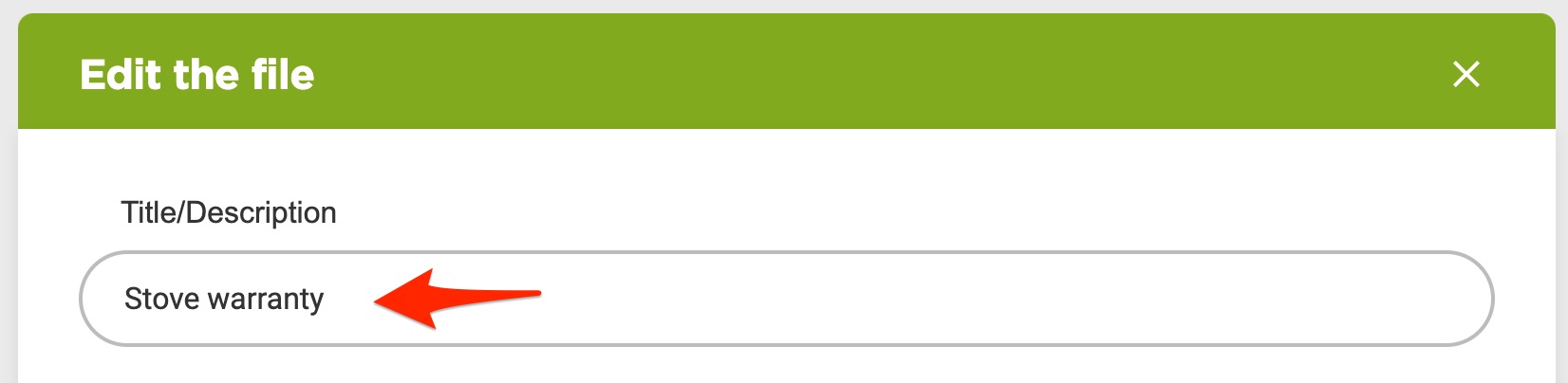
7. Specify who/which user group can see and access the file or document by clicking on the **access box**
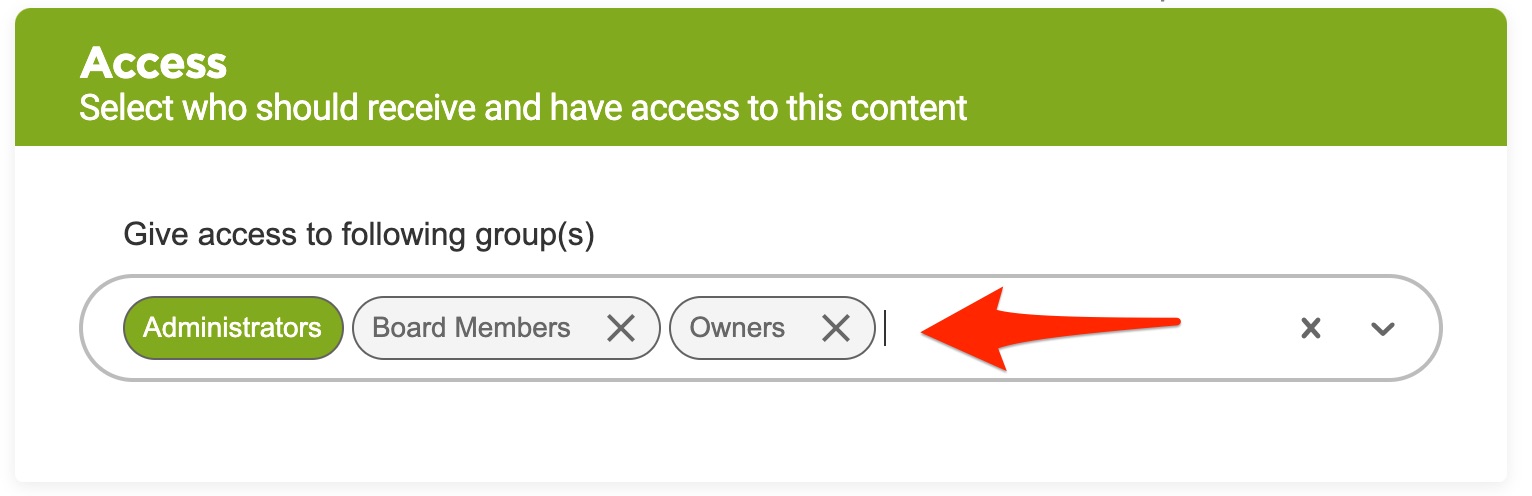
7. Click the **Save** button at the bottom
Now the file/document will appear under the Unit's File tab for future reference
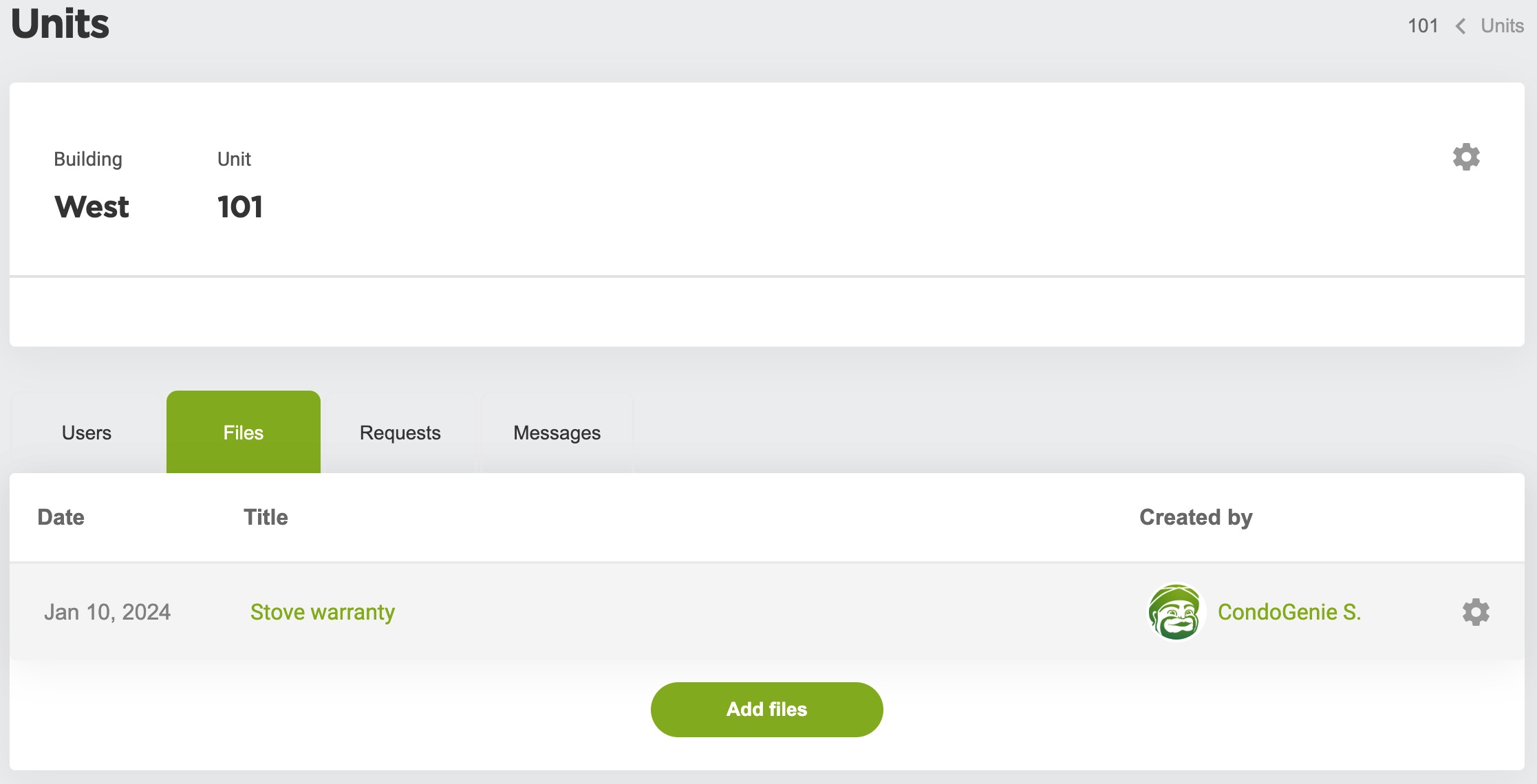
## Edit Unit Files
To edit a document in the future just click on the settings/cog icon and click on Edit
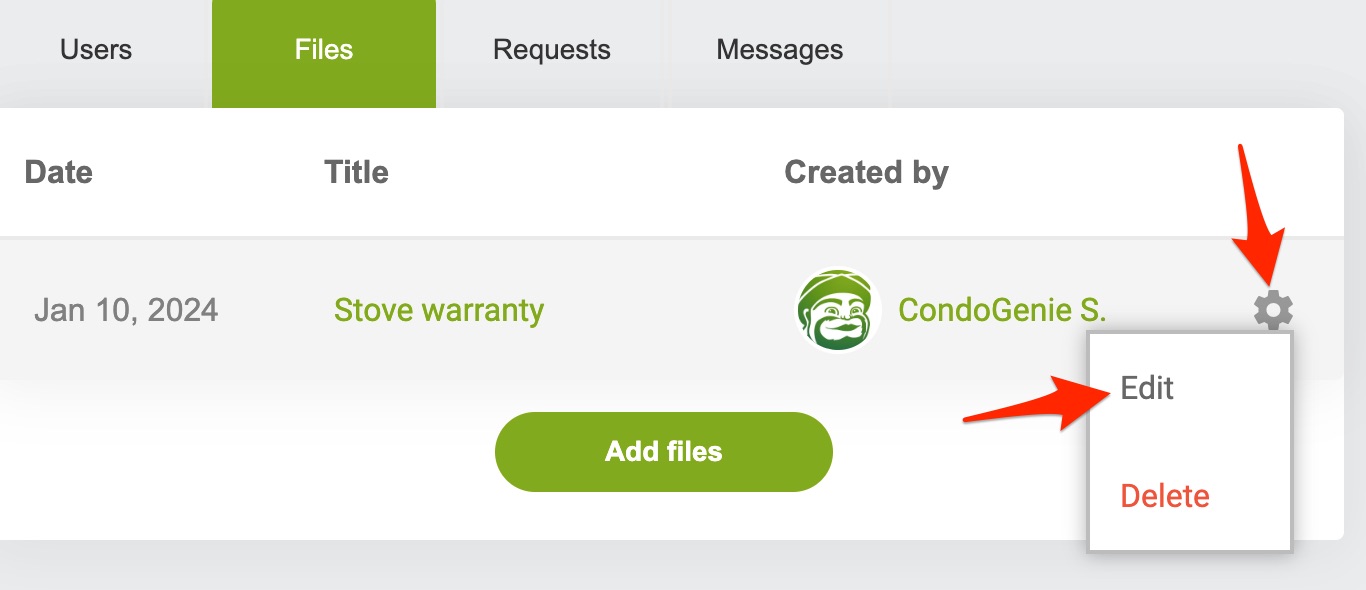
The file will then be listed in the unit's files section and accessible from the unit's detail view.
## Common Use Cases
- Storing lease agreements
- Saving inspection reports
- Keeping copies of unit-specific notices or correspondence