To approve an Amenity booking follow the steps below:
1. Click on **Amenities** in the main menu
2. Click on **View bookings** button
![[Amenities_-_CondoGenie 3.jpg]]
3. Click on the **Amenity booking** awaiting approval
![[Amenity_Bookings_-_CondoGenie-2.jpg]]
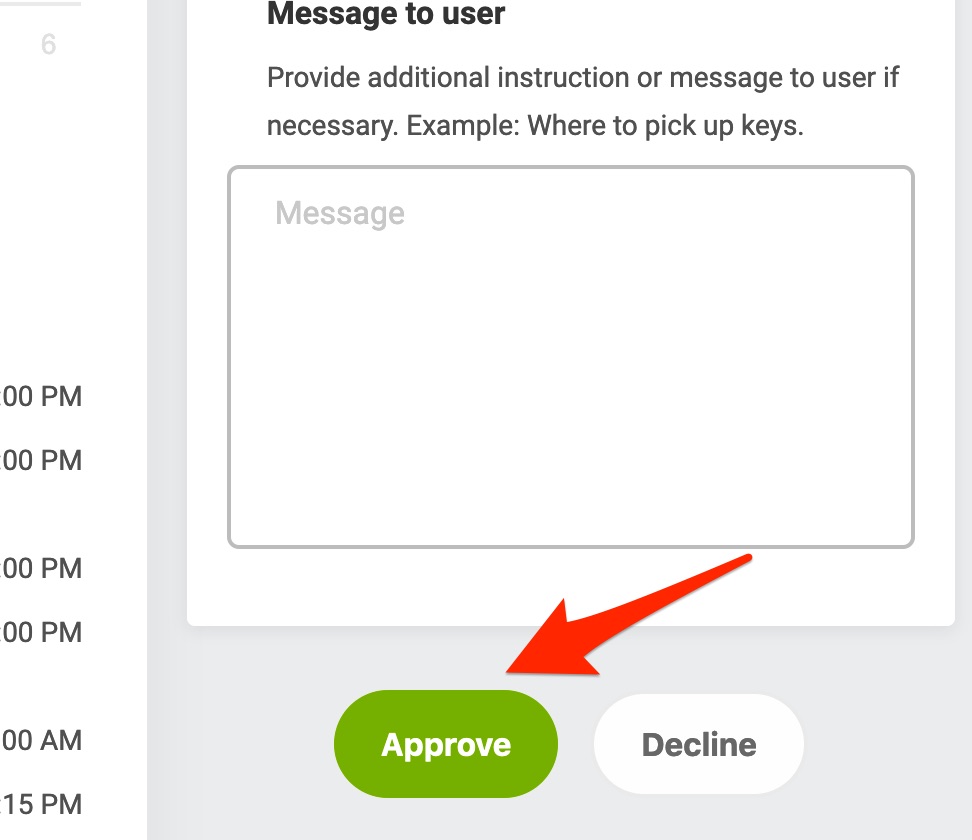
4. Review the booking information and click the **Approve** button
**5. When approving a recurring amenity booking you'll be asked if you'd like to just approve the booking for that specific date or all future bookings as well.**
![[amenity-recurring-booking.png]]
By clicking **Approve only this amenity booking** only the booking for the specific date and time you clicked to approve will be approved.
By clicking **Approve all future** **amenity bookings** the current and all future recurring bookings will be approved.